 Bahasa Indonesia
  English
  العربية
  Français
  Italiano
  Deutsch
  Русский
  简体中文
简体中文  हिन्दी
  বাংলা
বাংলা  اردو
اردو  Türkçe
  한국어
한국어  मराठी
मराठी 

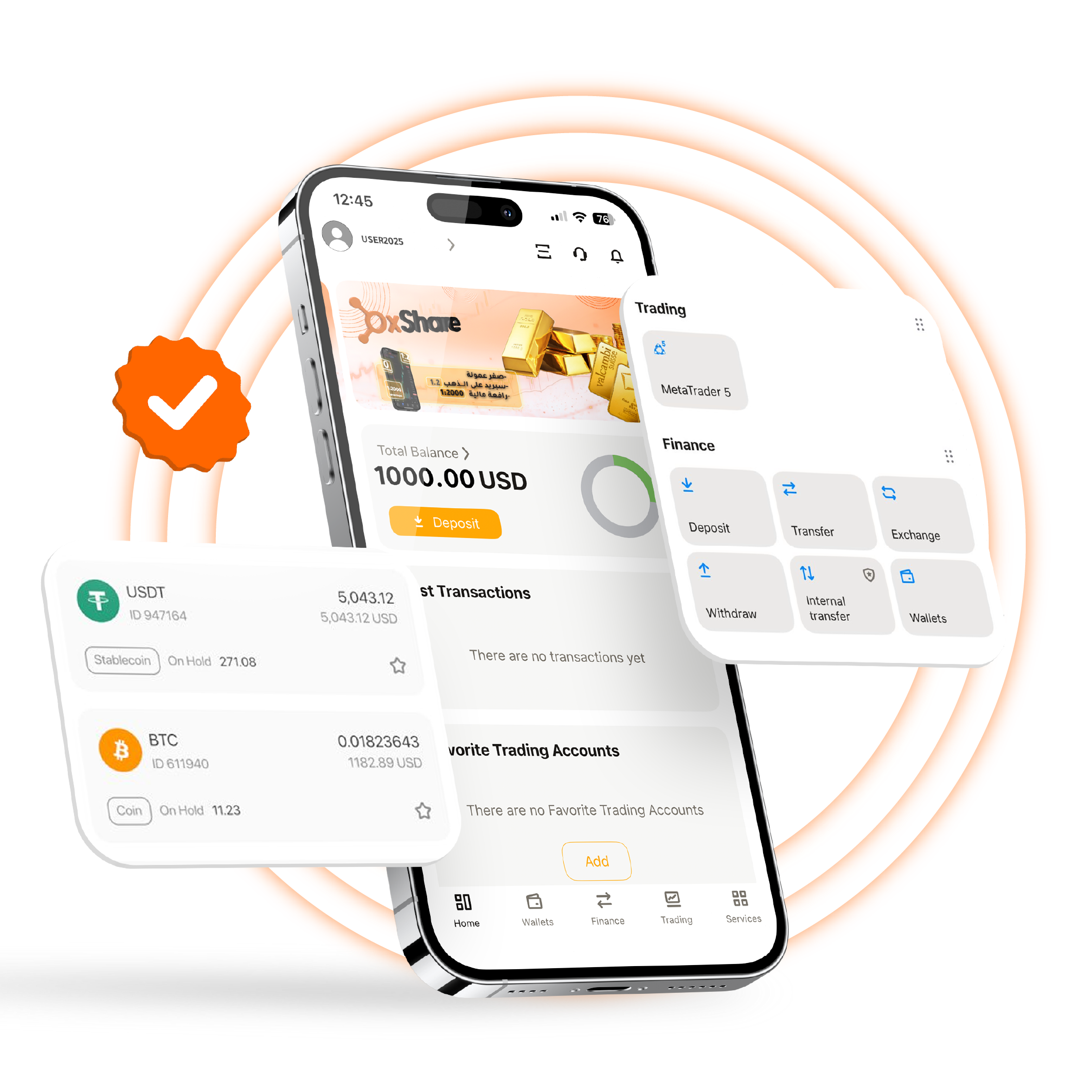
Akses akun dan dompet pribadi Anda dengan mulus melalui aplikasi seluler multi-fungsi, kompatibel dengan perangkat Android dan Apple. Cukup gunakan kredensial masuk Anda yang sudah ada dari PC atau Mac Anda dan nikmati pengalaman perdagangan yang terpadu dan cerdas di semua perangkat Anda. Lacak akun Anda dan lakukan penarikan serta deposit dengan mudah dan aman saat bepergian menggunakan aplikasi OXShare CRM.
Buka akun baru dari ponsel Anda, verifikasi akun Anda, pantau profil pribadi Anda, kelola akun klien Anda jika Anda adalah IB/agen, lakukan penarikan dan deposit, dan banyak fitur lainnya.
Nikmati aplikasi seluler asli% 100 untuk kontrol yang mulus dan aman.
Gunakan fungsi penuh akun CRM langsung dari ponsel Anda.
Antarmuka yang ramah pengguna.
Cara Mengunduh OXShare Aplikasi CRM
Jika Anda mengunduh aplikasi kami untuk pertama kalinya, ikuti proses tiga langkah sederhana di bawah ini untuk memulai.
Mulai kelola akun Anda saat bepergian hari ini!
Langkah 1
Temukan OXShare CRM di Anda app store ponsel atau play store atau mengikuti yang relevan QR di bawah ini
Langkah 2
Jika Anda adalah klien yang sudah ada, masuk dengan kredensial Anda. Jika Anda baru mengenal OXShare, daftarkan akun melalui aplikasi
Langkah 3
Selesaikan prosesnya untuk mengaktifkan dan menjalankan akun Anda. Sekali diverifikasi dan masuk, Anda siap memulai trading!
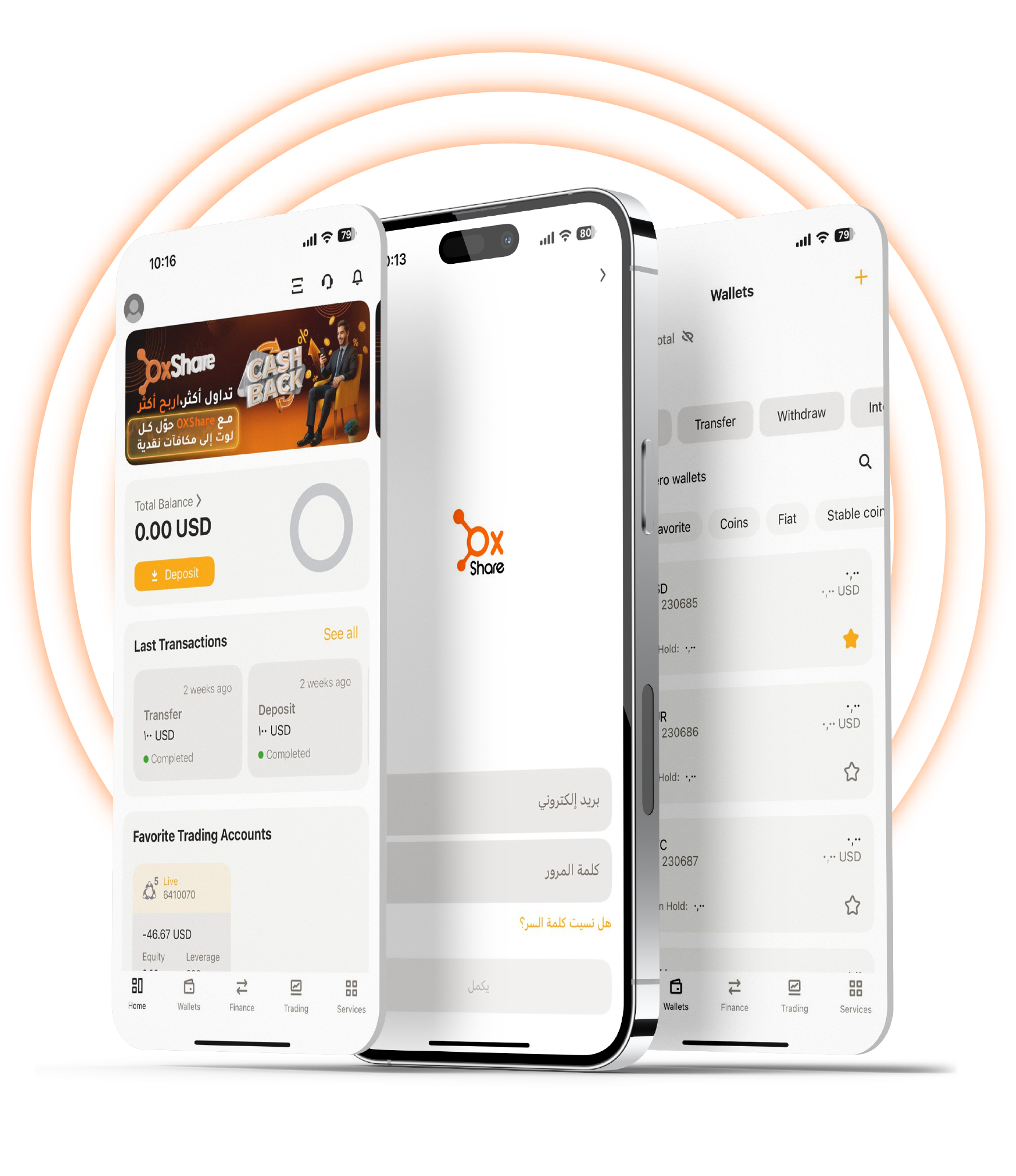
2025 Edition – Easier Control & Faster Performance
Temukan level baru manajemen akun yang sederhana dengan aplikasi seluler OXShare CRM, memastikan pengalaman yang mulus tepat di ujung jari Anda.
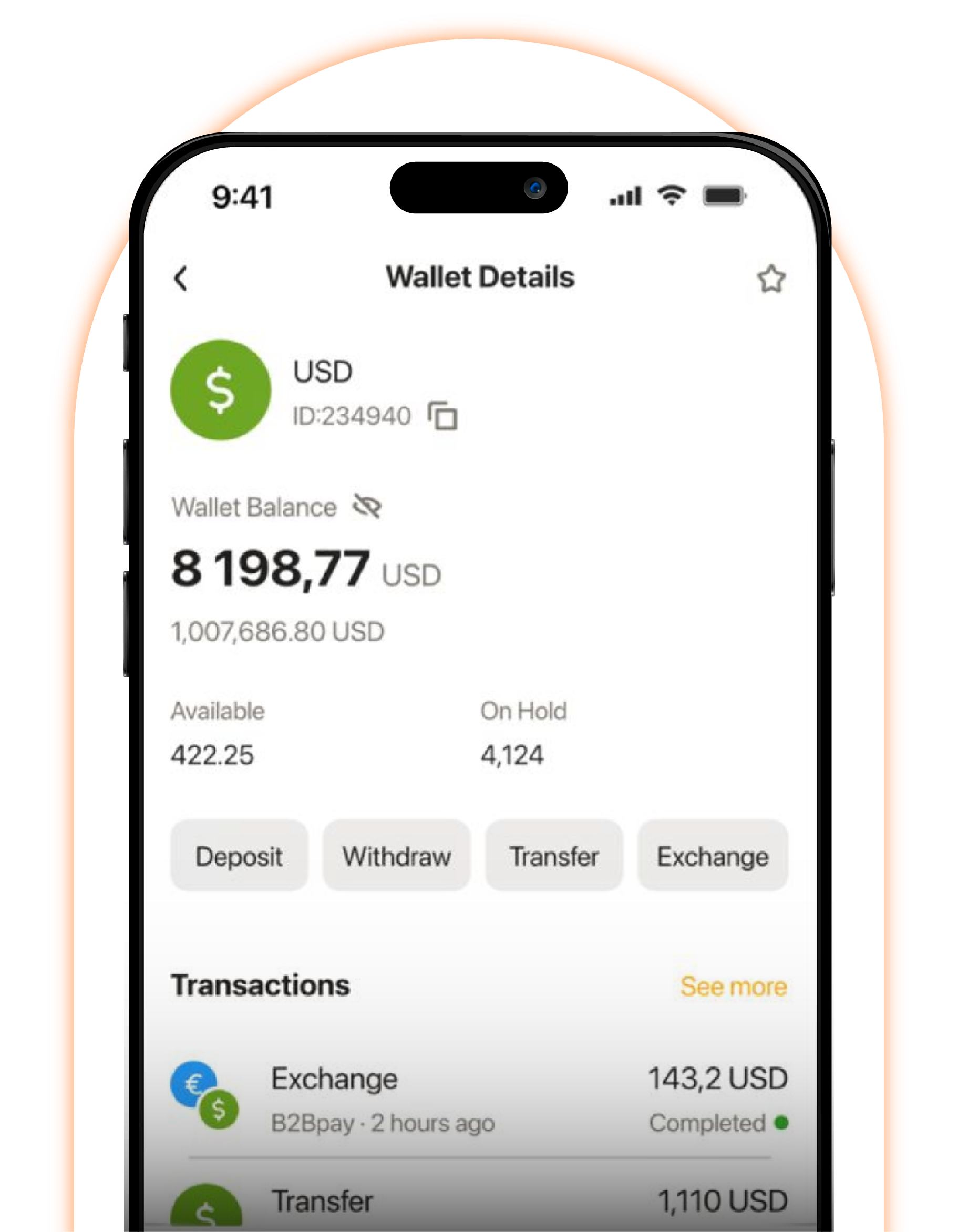
Manajemen Akun Pribadi Anda
Kelola akun pribadi Anda secara real-time, pastikan Anda selalu terupdate pada semua aktivitas
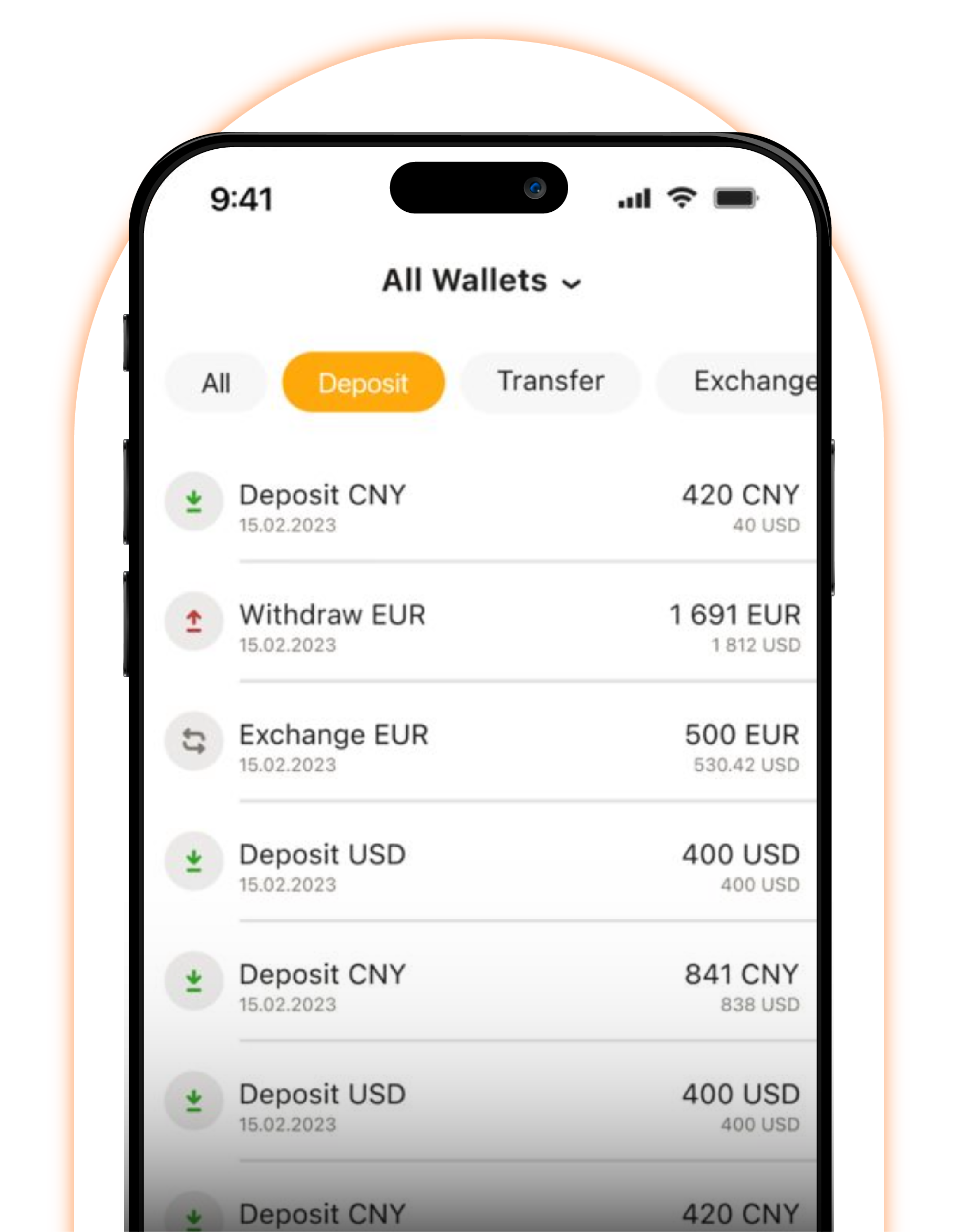
Kelola dan Pantau Akun Klien Anda
Kelola akun klien Anda dan tetap perbarui semua operasi jika Anda adalah salah satu agen kami.
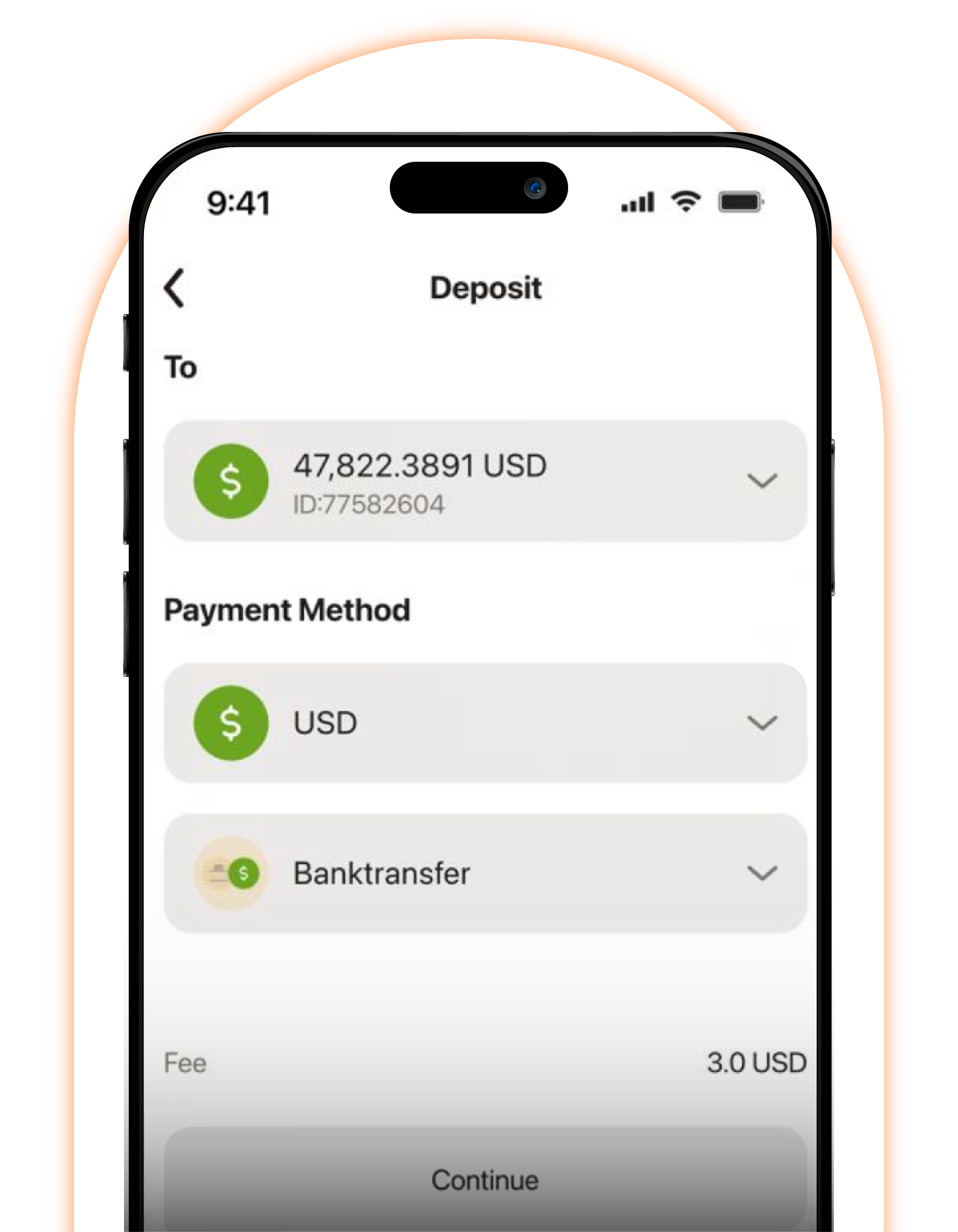
Buka & Verifikasi Akun
Tingkatkan pengalaman pintar Anda dengan aplikasi OXShare CRM. Buka akun Anda sendiri dan verifikasi dalam waktu kurang dari 5 menit.
