 English
  العربية
  Français
  Italiano
  Deutsch
  Русский
  简体中文
简体中文  हिन्दी
  বাংলা
বাংলা  Bahasa Indonesia
  اردو
اردو  Türkçe
  한국어
한국어  मराठी
मराठी 

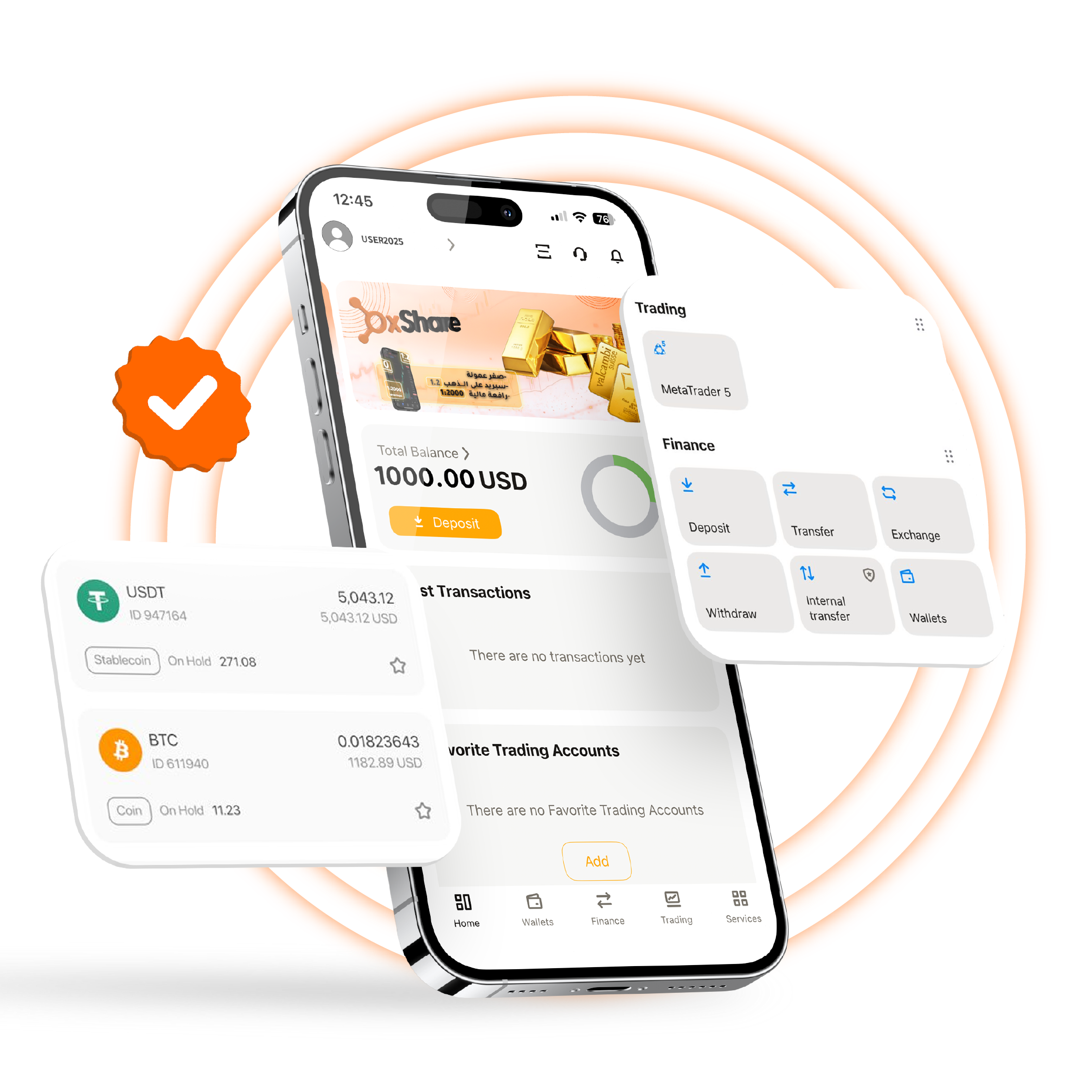
Access your account and your personal wallet seamlessly through the multi-purpose mobile app, compatible with both Android and Apple devices. Simply use your existing login credentials from your PC or Mac and enjoy a unified, smart trading experience across all your devices. Track your accounts and perform withdrawals and deposits easily and securely while on the move using the OXShare CRM app.
Open a new account from your phone, verify your account, monitor your personal profile, manage your clients’ accounts if you are an IB/agent, perform withdrawals and deposits, and many other features.
Enjoy a 100% native mobile application for smooth and secure control.
Use the full CRM account functions directly from your phone.
User-friendly interface.
How to Download the OXShare CRM App
If you’re downloading our app for the first time, follow the simple three-step process below to get started.
Start managing your accounts on the go today!
Step 1
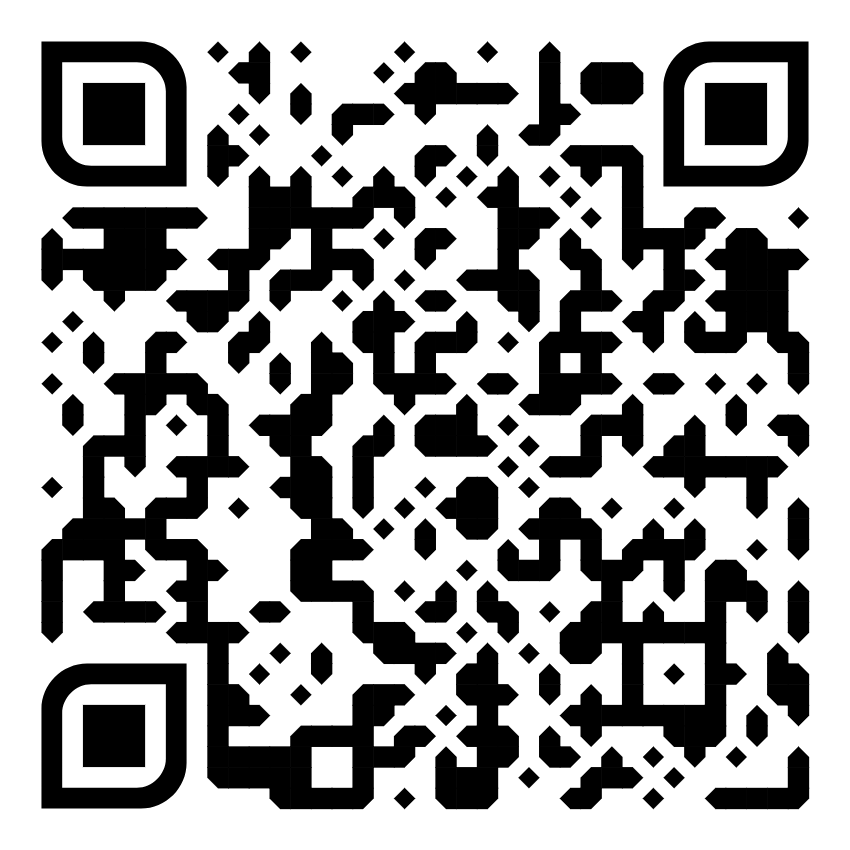
Find the OXShare CRM on your phone’s app store or play store or follow the relevant QR below
Step 2
If you are an existing client, log in with your credentials. If you are new to OXShare, register an account through the app
Step 3
Complete the process to get your account up and running. Once verified and logged in, you’re ready to begin trading!
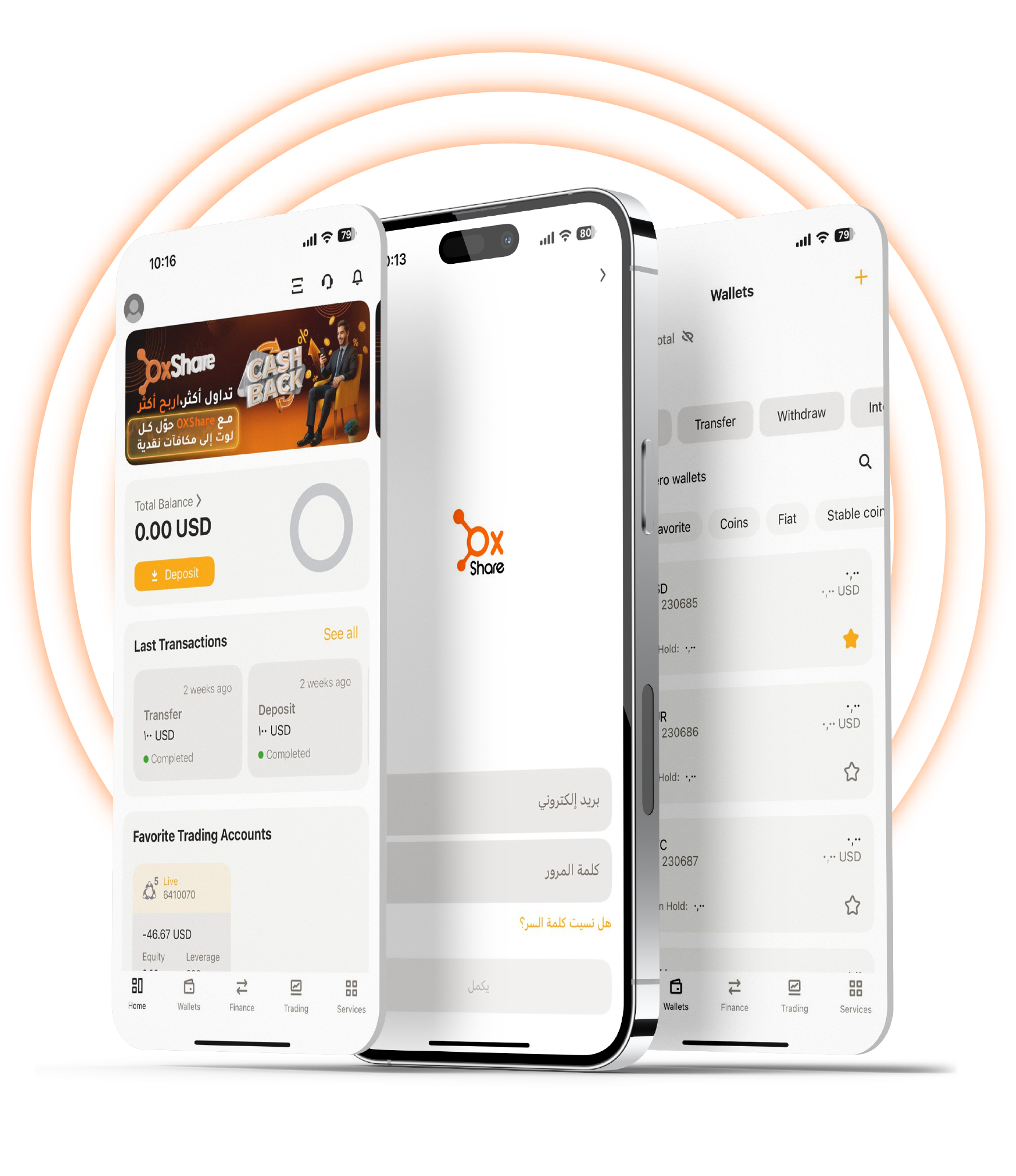
2025 Edition – Easier Control & Faster Performance
Discover a new level of simple account management with the OXShare CRM mobile app, ensuring a smooth experience right at your fingertips.
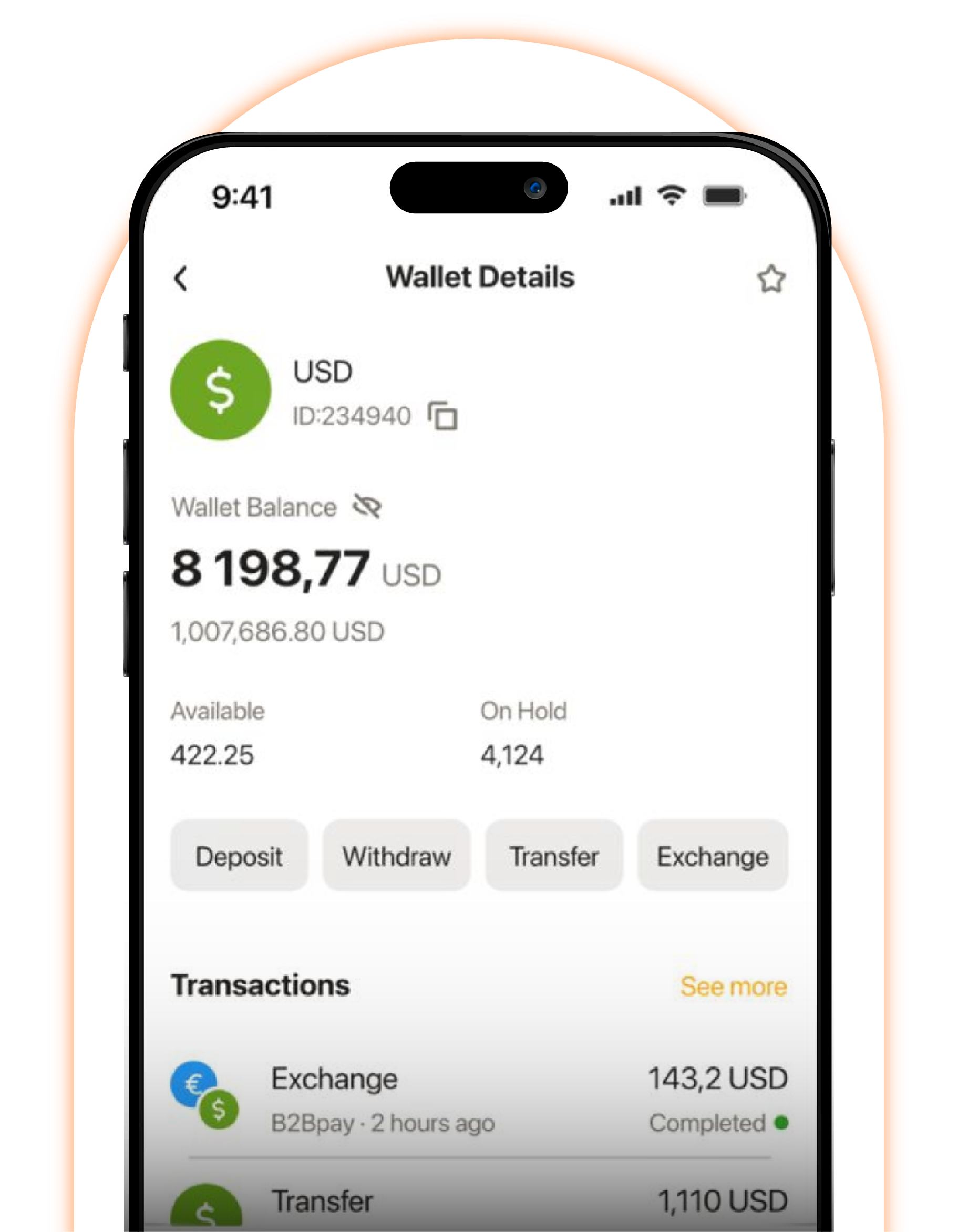
Your Personal Account Management
Control your personal account in real time, ensuring you stay updated on all activities
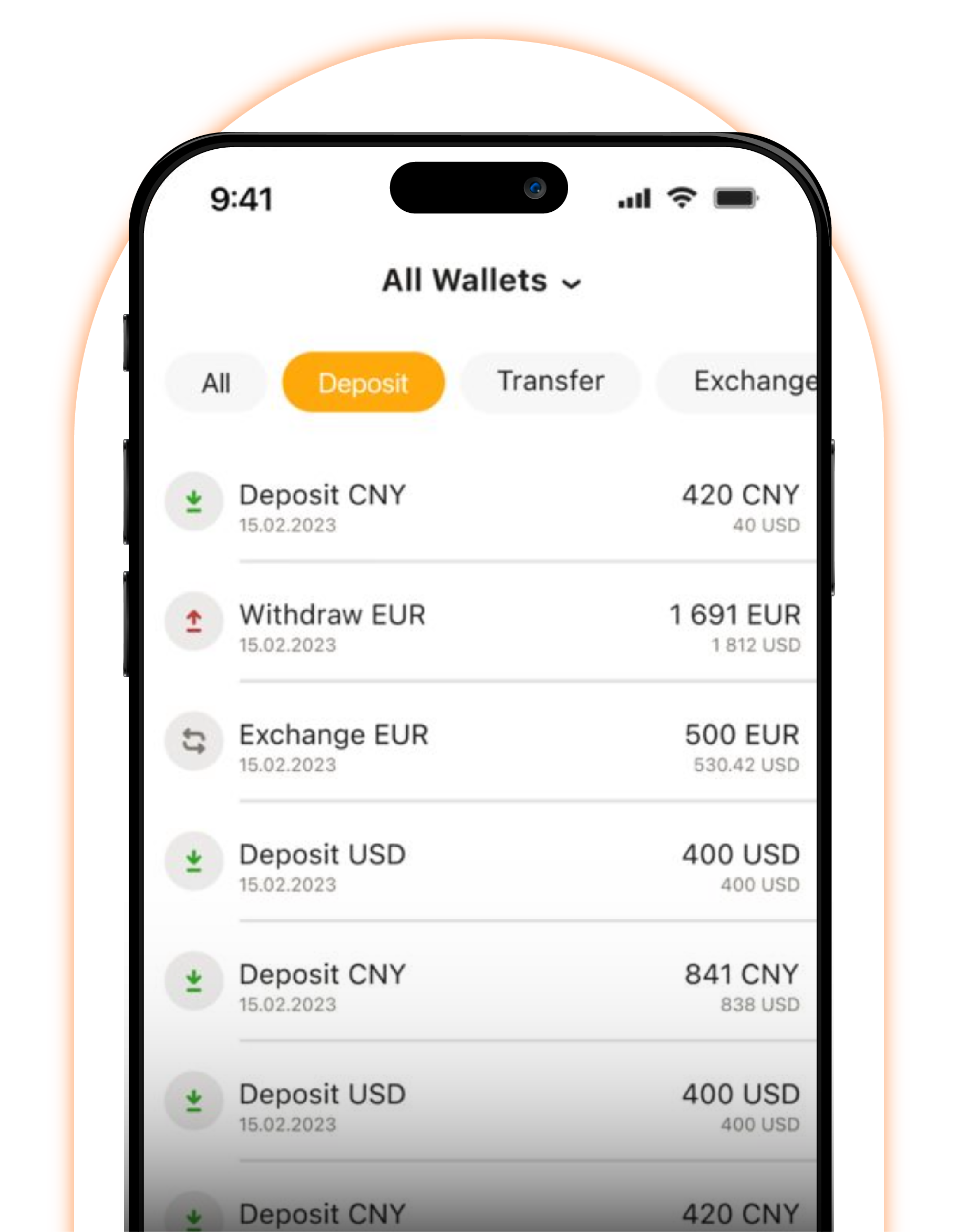
Manage and Monitor Your Clients’ Accounts
Control your clients’ accounts and stay updated on all operations if you are one of our agents.
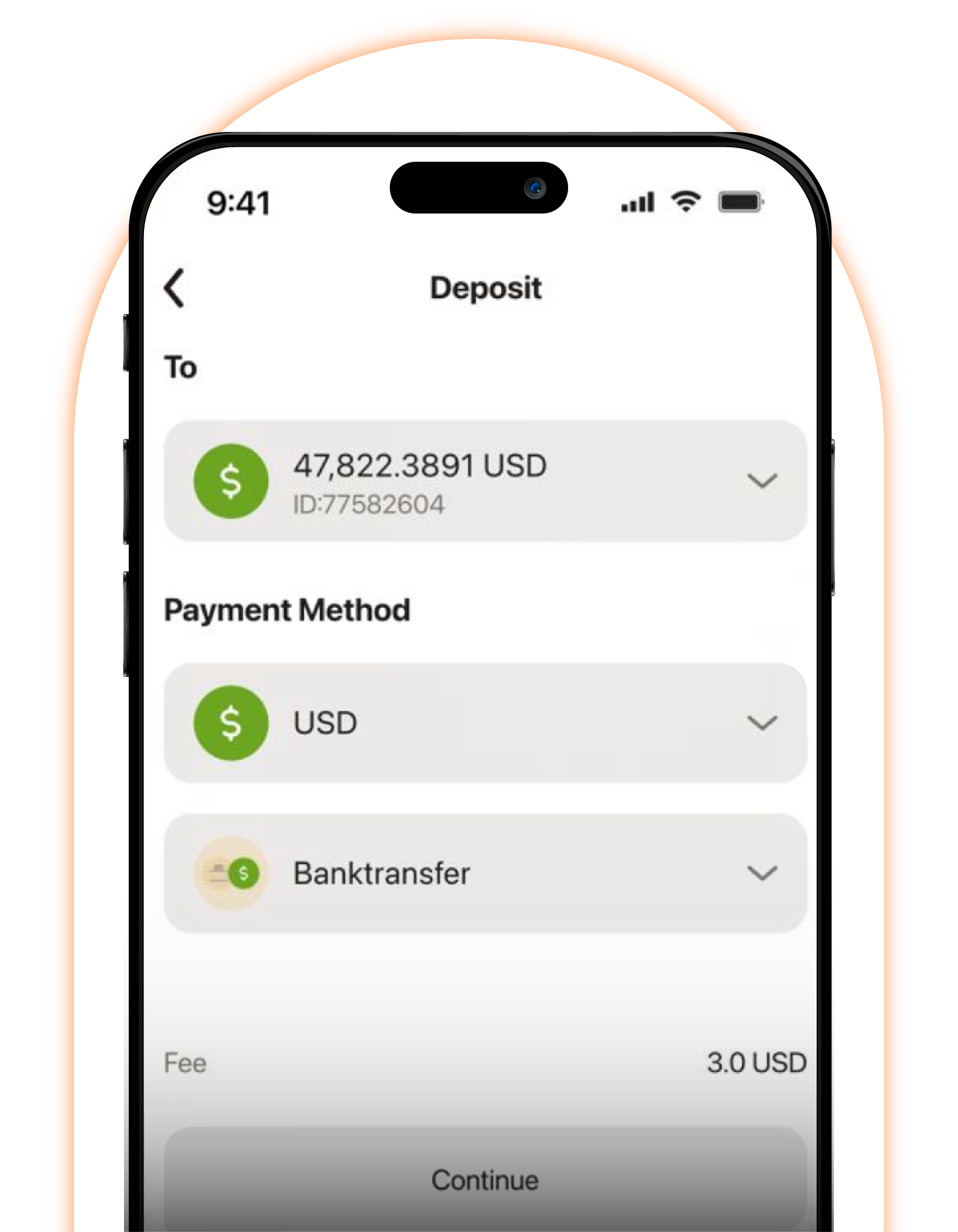
Open & Verify Accounts
Upgrade your smart experience with the OXShare CRM app. Open your own account and verify it in less than 5 minutes.
